

Support
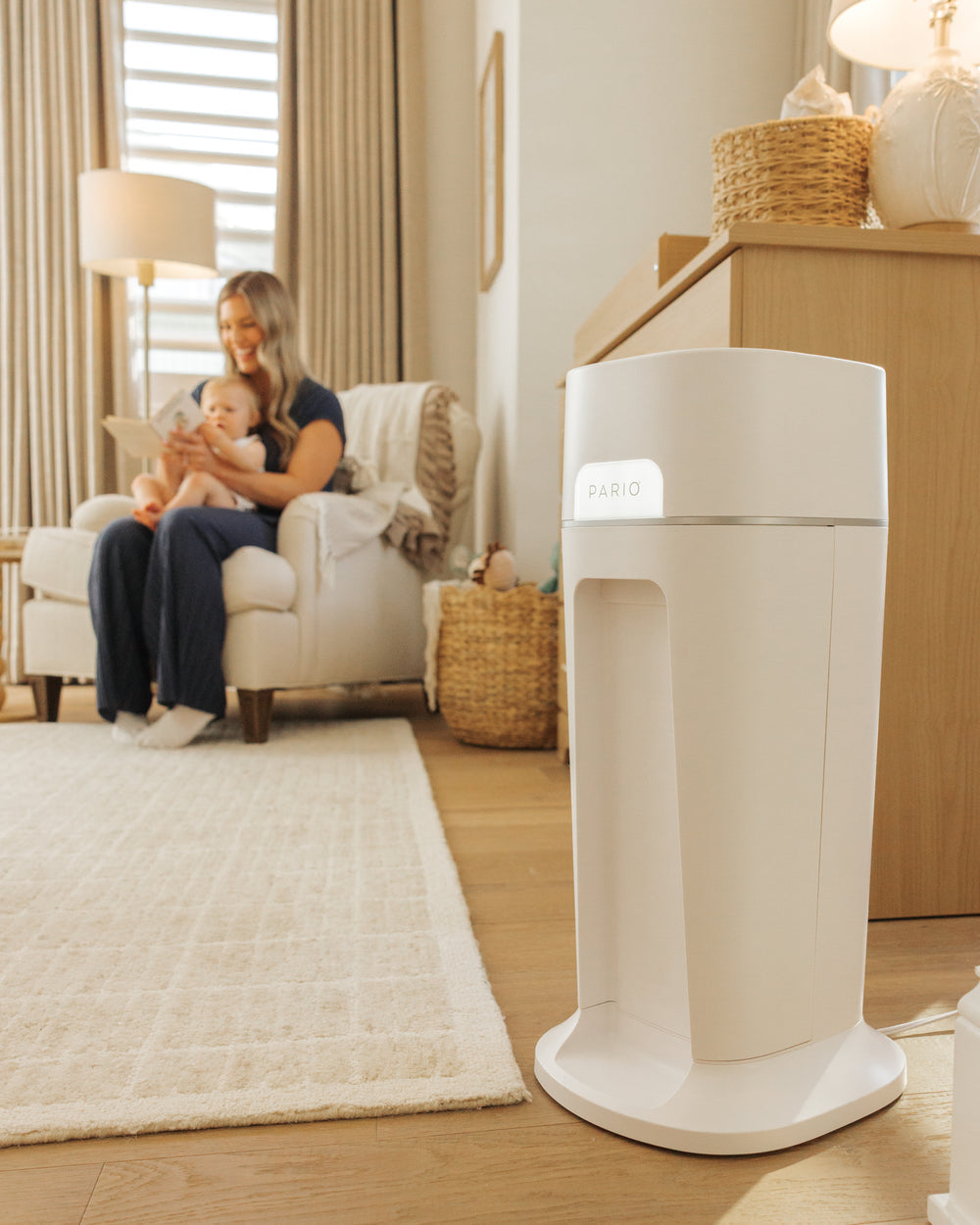
Everything for your Pario DiaperSealer™: refills, how-to videos, instructions, quick fixes, FAQs and a way to reach us.
Watch how it works
Short clips for every step. Tap to watch.
Help & troubleshooting
Start with the clips above, then the three tips, the status lights and the quick fixes below.
Three tips for the best experience
Most questions we get come down to these three things.
Good to know: the lid closes by itself
If you do not press the Main Button, the lid closes after 30 seconds without sealing or cutting. This is handy when you are adding several light changes through the day.
To seal and cut, open the lid and press the Main Button while it is open.
What the lights mean
Your Pario DiaperSealer™ tells you what it is doing with its status light.
Quick fixes
Try these steps first. Most issues clear in a minute.
The lid closed but nothing sealed
What it means: The lid closes by itself after 30 seconds if the Main Button is not pressed. That alone does not seal or cut.
- Wave over the sensor to open the lid. In Manual Mode, press the Main Button to open it.
- Put the diaper in and push everything below the illuminated Seal Line.
- With the lid open, press the Main Button once. The unit closes the lid, then seals and cuts.
- Wait for the solid green READY light.
Blinking red light (jam or seal error)
What it means: Something may be blocking the seal and cut mechanism.
- Push the diaper fully below the illuminated Seal Line. Make sure no tabs, wipes or loose material extend above it.
- Confirm the bin is not full.
- Remove the bin drawer and check for anything blocking the mechanism. Keep hands away from the seal and cut area.
- Close the bin drawer securely and check that the light returns to solid green.
Solid red light (lid or bin open)
What it means: The lid or bin drawer may not be fully closed.
- Check the lid for obstructions. Do not force it closed by hand.
- Make sure the front bin drawer is fully seated.
- Wait for the solid green READY light.
Lid won't open when I wave
What it means: The unit may be in Manual Mode, which turns off the motion sensor.
- Wave over the sensor. A blue double blink means Manual Mode.
- Press the Main Button to open the lid.
- To go back to Hands-Free Mode, press and hold the Main Button for 4 seconds.
Lid reopens instead of sealing
What it means: The lid was pushed closed by hand. The next press of the Main Button then opens it again.
- Press the Main Button once to open the lid.
- With the lid open, press the Main Button again. The unit closes the lid, then seals and cuts.
- Do not push the lid closed by hand. Let the unit close it.
The unit takes longer to reset
What it means: It needs time to cool after several Seal + Cut cycles in a row.
- Wait for the solid green READY light before starting another cycle.
- After six cycles in a row, the unit needs a 30-minute rest.
- Do not unplug the unit to skip the rest period.
Cartridge won't stay clipped in
What it means: The cartridge clips may not be fully latched.
- Open the lid and remove the cartridge.
- Gently pull the clip outward on the Cartridge so it seats properly.
- Put it back and push down until it clicks on both sides.
Buttons don't respond
What it means: Child Lock may be on. A solid orange light means it is.
- Press and hold the Main Button and Light Button together for 4 seconds to turn it off.
Still stuck or unresponsive
What it means: If the steps above don't help and the unit is not in a rest period:
- Unplug the unit from the wall outlet.
- Wait a few seconds, then plug it back in.
- Wait for the solid green READY light before using the unit.
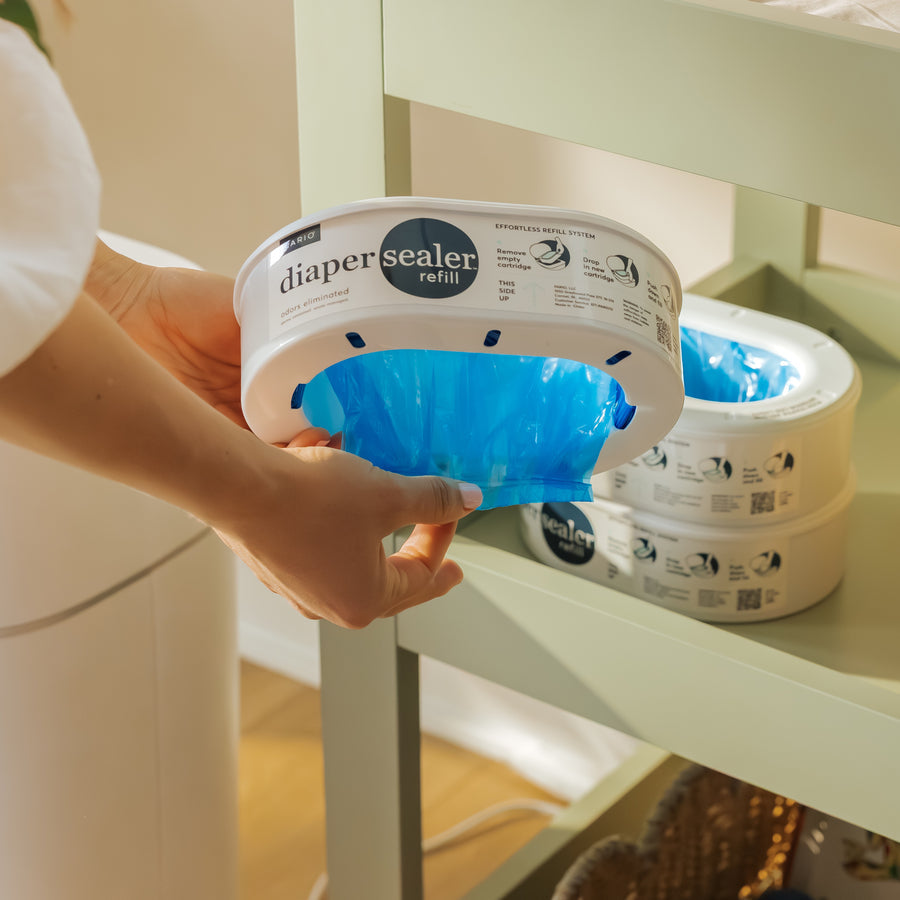
Change the cartridge
Use only Pario DiaperSealer™ Refills.
Manuals & guides
Download them, or open them on your phone.
Top questions
The questions we hear most from people with a Pario DiaperSealer™.
How long does one Cartridge Refill last?
Every diaper sealed individually — not stored, not stacked. One airtight capsule per diaper, every time. Each cartridge seals hundreds of diapers — roughly 4 to 5 weeks for a newborn, 5 to 7 weeks for an infant, and 7 to 9 weeks for a toddler.
Can I use a cartridge from another company?
Only genuine Pario DiaperSealer™ Cartridge Refills are engineered for the Advanced Capsure™ Sealing System. Third-party replacements may compromise seal performance and may void your warranty.
Is there a child lock?
Yes. The Pario DiaperSealer™ includes a child-safety lock to prevent curious little hands from opening the unit.
How do I register my product?
Scan the QR code on the quick-start guide or visit pario.com/start. Registration activates your warranty and unlocks the Subscribe to Save offer on Cartridge Refills.
What is your return policy?
We accept returns within 30 days of your purchase date. If something isn't right, email us at support@pariolife.com and we'll help you start a return.
support@pariolife.com · we reply within 24 hours
US and Canada · diapersealer.com
Pario, LLC · 1950 Greyhound Pass STE 18-274 · Carmel, IN 46033